jueves, 13 de marzo de 2014

[How to] Python IDLE tab completion

1. Put the codes into a file named '.pythonstartup'.

import pdb

# python startup file
import readline
import rlcompleter
import atexit
import os

# tab completion
readline.parse_and_bind('tab: complete')

# history file
histfile = os.path.join(os.environ['HOME'], '.pythonhistory')

try:
    readline.read_history_file(histfile)
except IOError:
    pass

atexit.register(readline.write_history_file, histfile)
del os, histfile, readline, rlcompleter

2. Put the file into your HOME directory.
Linux/Mac : ~/.pythonstartup Windows : C:\Users\USERNAME\.pythonstartup
PS: In MacOsX probably you will need to install readline
sudo easy_install readline 
3. Set the Environment Variables.

In Windows : Just do it like this.

In Linux/Mac : Put the line into the file named '.profile'.
 export PYTHONSTARTUP=~/.pythonstartup 
Previews:


Source: 0nly.me

domingo, 9 de marzo de 2014

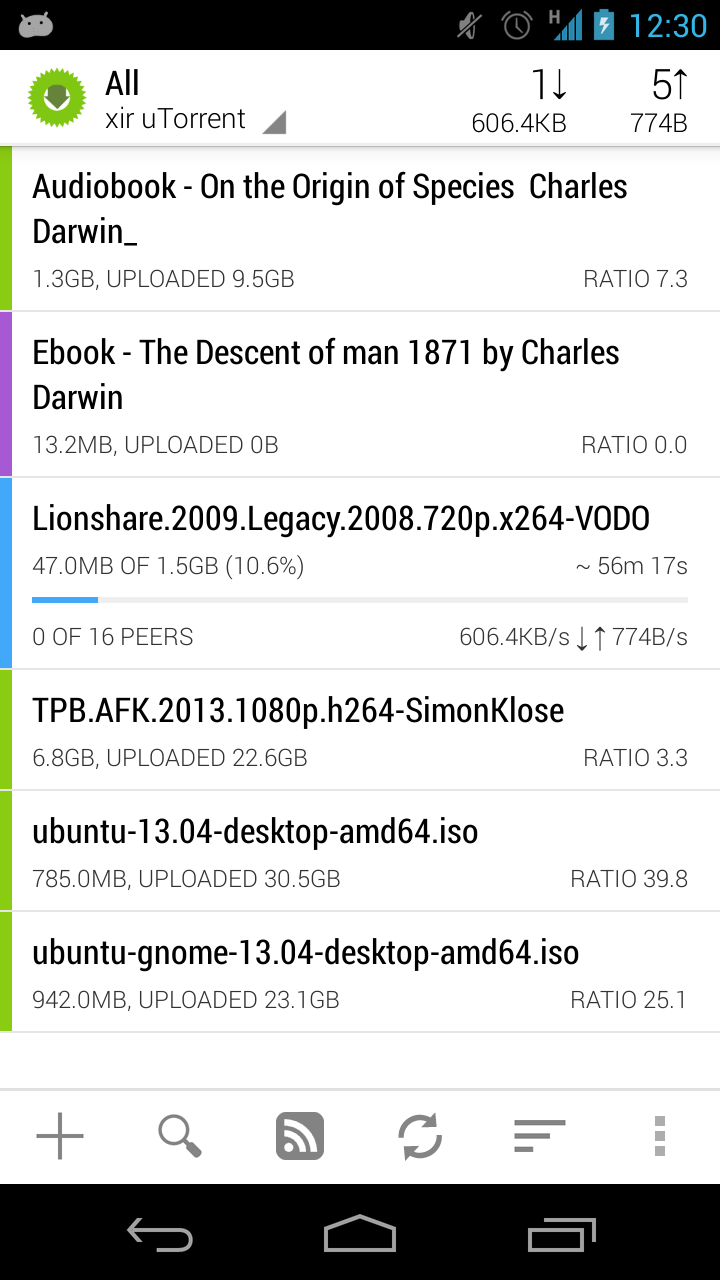
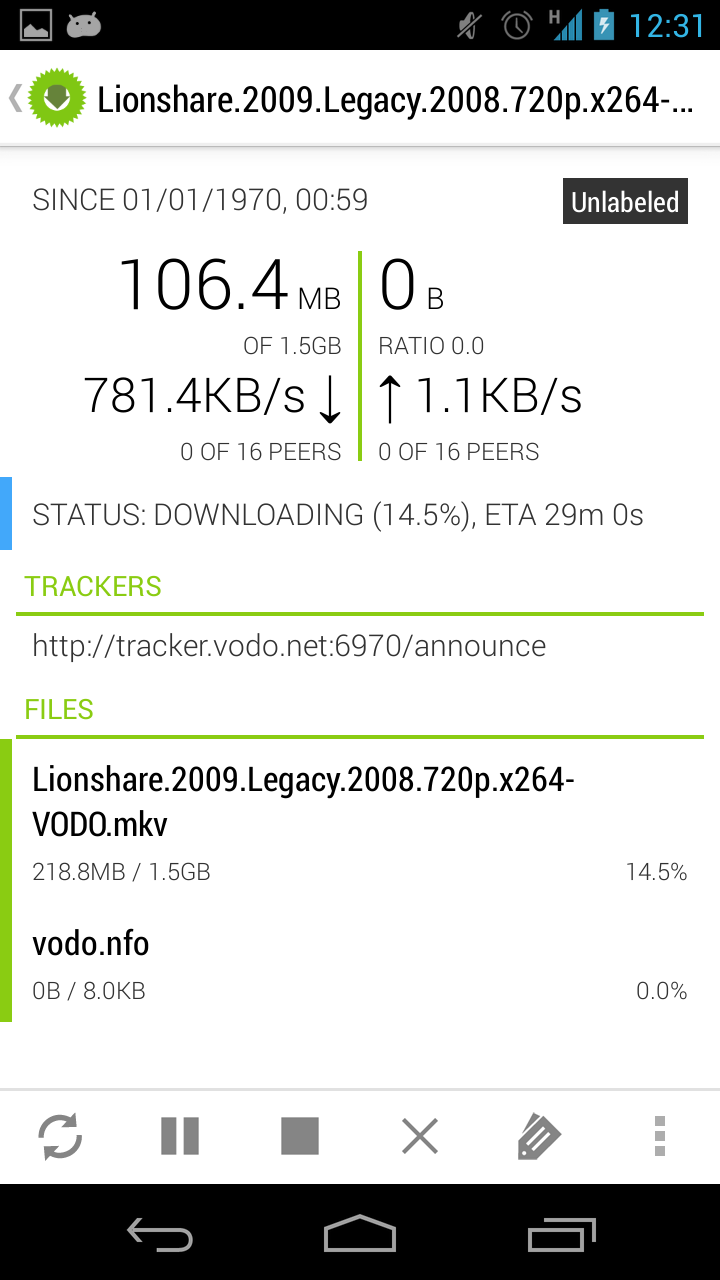
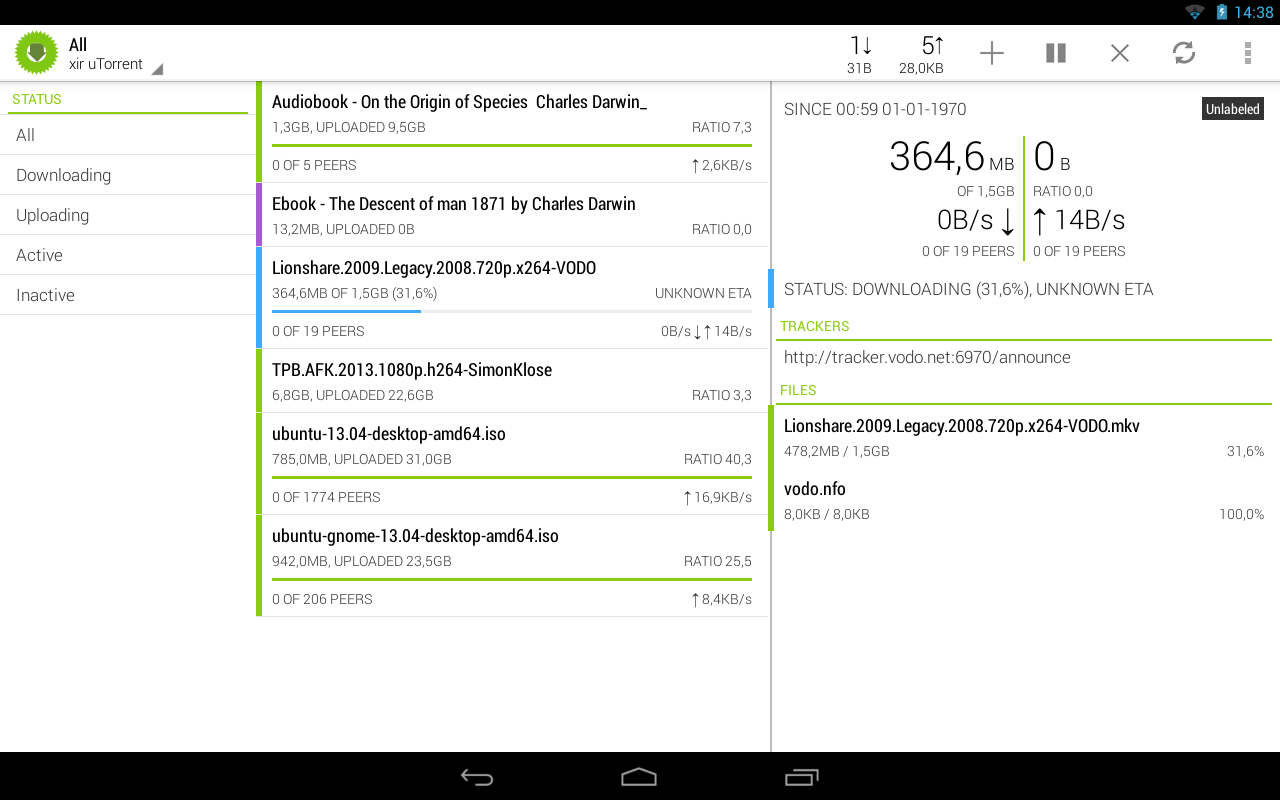
[How to] Android pc and remote torrent control


Hi, now days Android pc/sticks is very common, and probably many of the people search solution how to manage their torrent client(installed on android) from web/other device. I found one very interesting solution Ttorrent:


This app has 2 versions: Lite and Pro

Lite version has limited of download speed to 250 kb/s and ads (version for MIPS)
Pro version no has any limits :) (version for MIPS)

Features of pro version 1.3.0:

- UNLIMITED DOWNLOAD SPEED!
- chose single files for download from torrents containing multiple files
- multiple torrent downloading
- queuing
- search for torrents
- Wifi only mode, Wifi or WiMAX mode
- able to set Upload / Download speed in options
- web browser integration
- magnet link support
- trackerless torrent (DHT) support
- RSS support(automatically download torrents published in feeds)
- UPnP and NAT-PMP support
- IP filtering support
- proxy support (SOCKS, HTTP)
- encryption
- Local Peer Discovery
- creating torrents
- x86 compatibility
- Web interface

- custom label support

Web Interface:


At the moment is a bit poor of functionality, only permit add torrent file or magnet link, and remove/pause/restore. Choose of file to download (work only in transdroid).

Other solution to manage Ttorrent is: transdroid

Transdroid is a universal app to manage different torrent clients.
Some screenshots from official page:


Web interface enabling:

Settings -> Interface -> enable web interface

I recommend change default port number.

Transdroid configuration: 

1) Download and install transdroid
2) Settings -> Add new server
3) You can specify name to this client, but this is optional
4) Select in Server type -> qBittorrent
5) Put your Android device(where installed torrent client) IP address (you can see it in Android settings)
6)Advanced settings -> Port number, you need to put there web interface port number if you change, if not by default this is: 1080

Now you can use Transdroid to manage your torrent client

When author of Ttorrent will add web interface authentication I will publish manual how to configure web interface and Transdroid to can access them from any place, expose it to internet

We can suggest some feature to Ttorrent here

Transdroid screenshots source transdroid
Torrent screenshot source Ttorrent

How to configure access to your torrent server from anywhere:

You will need to create an account on no-ip.com and do some configuration, you can see how on the video 


Then install no-ip client app in your android device and login with your account.

Update 1 19/04/2014 Web autentificacion and HTTPS added
Update 2 26/04/2014 How to access to your torrent server from everything

Best regards

domingo, 16 de febrero de 2014

[How to] Quick Tip: Enabling the Android Move To SD Card Feature

Found it some time ago, actually for android it's not very useful, but for users with old versions of android is very useful :)

Tip

Best regards

lunes, 10 de febrero de 2014

Damn Vulnerable IOS Application | learning Apple IOS security

ABOUT - Damn Vulnerable IOS Application:

was born from the need to have a tool where a user can test their IOS penetration testing skills in a safe and legal environment. Also, this application can be used by mobile security enthusiasts and students to learn or review the basics of mobile application security.

Vulnerabilities and Challenges Include …

Insecure Data Storage
Jailbreak Detection
Runtime Manipulation
Transport Layer Security
Client Side Injection
Information Disclosure
Broken Cryptography
Application Patching

All these vulnerabilities and their solutions have been tested upto IOS 7.0.4

The app also contains a section on IOS Application Security Tutorials for those who want to learn IOS Application Pentesting. Every challenge/vulnerability has a link for a tutorial that users can read to learn more on that topic.

This app will only run on devices running IOS 7 or later. Users can download the source code and run the application on previous versions of IOS as well.

If you would like to sponsor DVIA, please use the contact form below to get in touch.

LEARN The complete list of tutorials can be found below

IOS Application Security Part 1 – Setting up a mobile pentesting platform
IOS Application Security Part 2 – Getting class information of IOS app
IOS Application Security Part 3 – Understanding the Objective-C Runtim
IOS Appllication Security Part 4 – Runtime Analysis Using Cycript (Yahoo Weather App)
IOS Application Security Part 5 – Advanced Runtime analysis and manipulation using Cycript (Yahoo Weather App
IOS Application Security Part 6 – New Security Features in IOS 7
IOS Application Security Part 7 – Installing and Running Custom Applications on Device without a registered developer account
IOS Application Security Part 8 – Method Swizzling using Cycript
IOS Application Security Part 9 – Analyzing Security of IOS Applications using Snoop-it
IOS Application Security Part 10 – IOS Filesystem and Forensics
IOS Application Security Part 11 – Analyzing Network Traffic over HTTP/HTTPS
IOS Application Security Part 12 – Dumping Keychain Data
IOS Application Security Part 13 – Booting a custom Ramdisk using Sogeti Data Protection tool
IOS Application Security Part 14 – Gathering information using Sogeti Data Protection tools
IOS Application Security Part 15 – Static Analysis of IOS Applications using iNalyzer
IOS Application Security Part 16 – Runtime Analysis of IOS Applications using iNalyzer
IOS Application Security Part 17 – Black-Box Assessment of IOS Applications using INTROSPY
IOS Application Security Part 18 – Detecting custom signatures with Introspy
IOS Application Security Part 19 – Programmatical Usage of Introspy
IOS Application Security Part 20 – Local Data Storage
IOS Application Security Part 21 – ARM and GDB Basics
IOS Application Security Part 22 – Runtime Analysis and Manipulation using GDB
IOS Application Security Part 23 – Defending against runtime analysis and manipulation
IOS Application Security Part 24 – Jailbreak Detection and Evasion
IOS Application Security Part 25 – Secure Coding Practices for IOS Development
IOS Application Security Part 26 – Patching IOS Applications using IDA Pro and Hex Fiend
IOS Application Security Part 27 – Setting up a mobile pentesting environment with IOS 7 Jailbreak
IOS Application Security Part 28 – Patching IOS Application with Hopper
IOS Application Security Part 29 – Insecure or Broken Cryptography

Source

domingo, 9 de febrero de 2014

[How to] Unzip files in RAM memory

Is very easy unzip files, you can found many examples on internet, but here is one which works perfect for me.

Here you have a POC:

import requests 
import tempfile 
import zipfile  

zip = requests.get(zip_file_url)

temp = tempfile.TemporaryFile()
temp.write(zip.content)
temp.seek(0) 

zfile = zipfile.ZipFile(temp)

#set password if needed 
zfile.setpassword('infected') 
 
for name in zfile.namelist():
    ram_file = zfile.open(name).read()

temp.close()

For large files you can use:
import requests
import tempfile
import zipfile

zip  = requests.get(zip_file_url)
temp = tempfile.TemporaryFile()

content = ''

for block in zip.iter_content(1048576):
    
    if not block:
        break
        
    content += block
    
temp.write(content)
temp.seek(0)

zfile = zipfile.ZipFile(temp)

#set password if needed
zfile.setpassword('infected')

for name in zfile.namelist():
    ram_file = zfile.open(name).read()
    
temp.close()
with this don't work :(
with tempfile.TemporaryFile() as temp
    for block in zip.iter_content(1048576):
    
        if not block:
            break
        
        temp.write(block)


For more information about tempfile look here

Best regards

jueves, 30 de enero de 2014

[How to] DLL Hijacking + tool + Attack example


DLL Hijacking is really a simple concept.

Applications load external code via DLLs (Dynamic Link Libraries). DLL Highjacking is a process by which malicious code is injected into an application via a malicious DLL with the same name as a DLL used by the application.

An application is vulnerable to DLL hijacking depending on how they reference their DLLs. One example is using relative paths instead of the absolute path to the DLL. Another is loading DLLs using environment variables that may not be set properly in which case the directory defaults to a relative path of the executing application.

So, let's pretend your system's DLL search path looks something like this:

If SafeDllSearchMode is enabled, the search order is as follows:
  1. The directory from which the application loaded.
  2. The system directory. Use the GetSystemDirectory function to get the path of this directory.
  3. The 16-bit system directory. There is no function that obtains the path of this directory, but it is searched.
  4. The Windows directory. Use the GetWindowsDirectory function to get the path of this directory.
  5. The current directory.
  6. The directories that are listed in the PATH environment variable. Note that this does not include the per-application path specified by the App Paths registry key. The App Paths key is not used when computing the DLL search path.

If SafeDllSearchMode is disabled, the search order is as follows:
  1. The directory from which the application loaded.
  2. The current directory.
  3. The system directory. Use the GetSystemDirectory function to get the path of this directory.
  4. The 16-bit system directory. There is no function that obtains the path of this directory, but it is searched.
  5. The Windows directory. Use the GetWindowsDirectory function to get the path of this directory.
  6. The directories that are listed in the PATH environment variable. Note that this does not include the per-application path specified by the App Paths registry key. The App Paths key is not used when computing the DLL search path.

More details about this, you can read here - msdn

Here you can see a simple attack using Metasploit :)


DllHijackAuditor - checking application to this vulnerability can be found here

What about protection?
In older version of Windows (2000 - Xp is disabled by default) you can active SafeDllSearchMode in registry: 

          HKLM\System\CurrentControlSet\Control\Session Manager\SafeDllSearchMode
From msdn.microsoft.com: Safe DLL search mode is enabled by default starting with Windows XP with Service Pack 2 (SP2). 
I have Windows 7 Pro with all updates installed and I don't have this feature activated :(

While you are waiting for software patches there are a couple of things you can do to limit your exposure to DLL hijacking attacks.

Deploy the CWDIllegalInDllSearch Fix

The initial response by Microsoft to this class of vulnerabilities was to provide a registry modification that helps mitigate the attack by changing how dynamic DLL loading works. The fix should be deployed very carefully as it has the potential break the functionality of installed applications, but it’s worth testing if you are concerned about this attack vector. You can read up on the fix here.

Block Outbound SMB at the Perimeter

Most organizations should be doing this already, but if you aren’t then now is a good time to start. This will also help prevent against a few other types of attacks.

Uninstall the Vulnerable Software

This may not always be feasible, but if you are running a vulnerable application that is easily replaceable then the secure thing to do is make the switch.

Deploy Intrusion Detection Software

In some cases you simply won’t be able to mitigate the attack properly. As a result, the best thing you can hope to do is catch the attacker during post-exploitation. Using something like Snort is free (less the cost of the hardware) and does a really good job of detecting signatures of post exploitation activity that might occur after someone has exploit a vulnerable machine.

Conclusion

The advent of so many DLL hijacking vulnerabilities presents an interesting scenario because it’s not easily fixable by an operating system patch and it affects so many widely used applications. The best you can really do is to be sure you are educated and aware of how the vulnerability works, how to test if it exists on applications running in your network, and how to get the right information to the people who can issue a patch to fix it. This time, we all get to play the part of security vulnerability researcher.

martes, 28 de enero de 2014

A modern GNU/Linux firewall | Application layer firewall

Douane is a modern firewall filtering the outgoing network traffic per applications in order to protect your privacy by controlling the information going out of your GNU/Linux machine. At the moment only work on ubuntu/debial

The built-in features available in Douane


Simple as answering a question As soon as you have access to a network, applications will try to send whatever information. Behind your traffic (emails, social networks, online videos, ...) you will discover some activities that you did not expected. Douane will block all the unknown traffic and let you decide if you allow it or not via this dialog box. Clicking the Allow or Deny buttons will create the rule for you. 

A single place to control Douane

This is the control panel. 

It will allow you to start and stop the firewall, to enable/disable the firewall autostart at boot, let you configure the rules and keep you informed by showing you the latest tweets!

My experience with instalation on ubuntu

1) add repository
sudo apt-add-repository ppa:zedtux/douane

2) update sources
sudo apt-get update

3) download latest stable version from github
*in repository you only has a testing version, and for my is don't work

https://github.com/Douane/Douane/tree/master/packages/debian_ubuntu

4) install douane-configurator
sudo apt-get install  douane-configurator

5) reboot your system and enjoy it :)

Source

Best regards